Student administration
 Student administration app
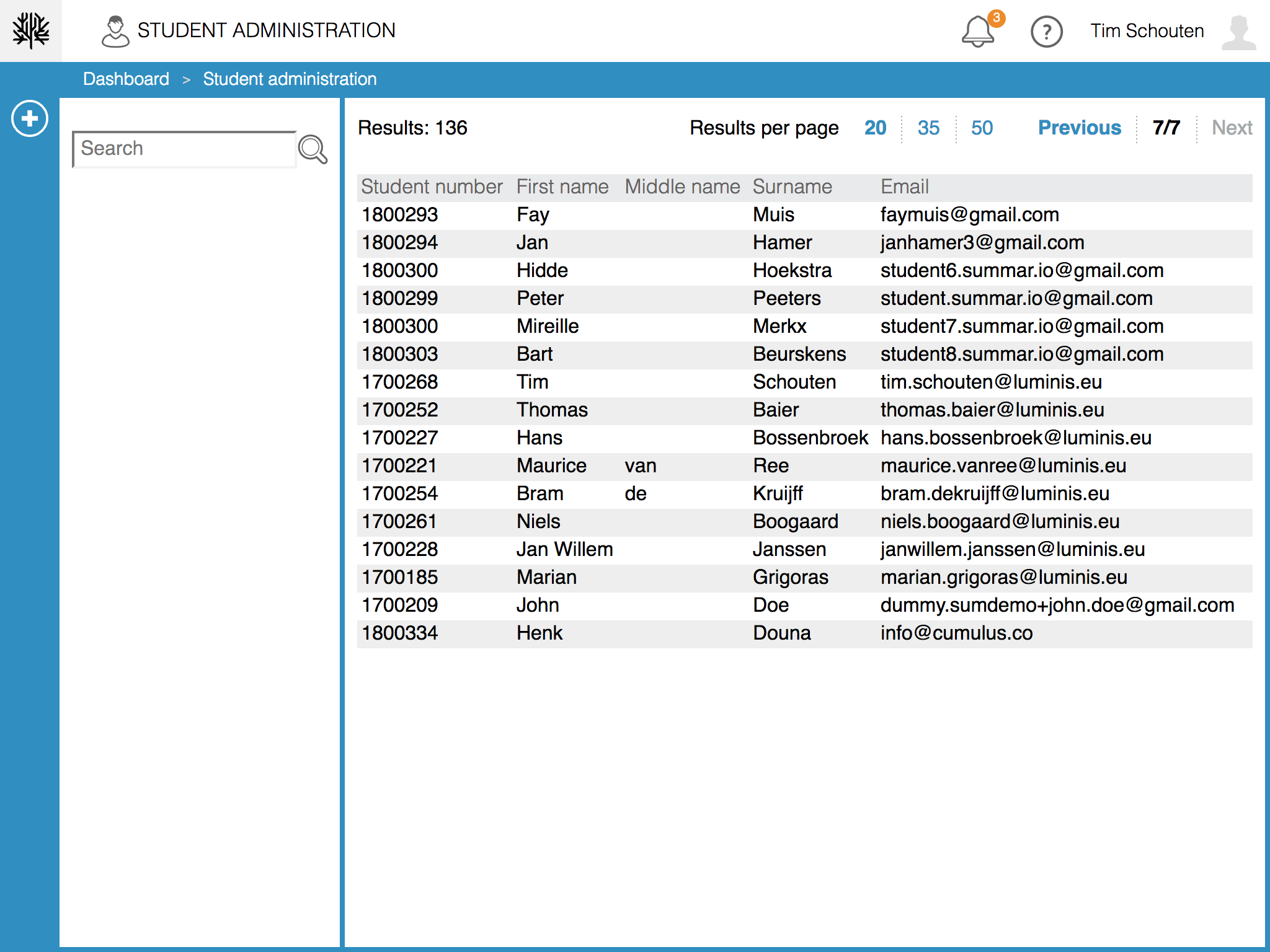
The Student administration app is used to manage users that have the "student" role assigned. It provides an overview of current students as well as the option to add new, or update current student profiles.
Adding students
- Click the '+' sign after opening the app; a form will be presented to enter the student's details.
- Enter the student's details; when all required details are entered, the 'Save' button will become active.
- Click the 'Save' button.
Note:
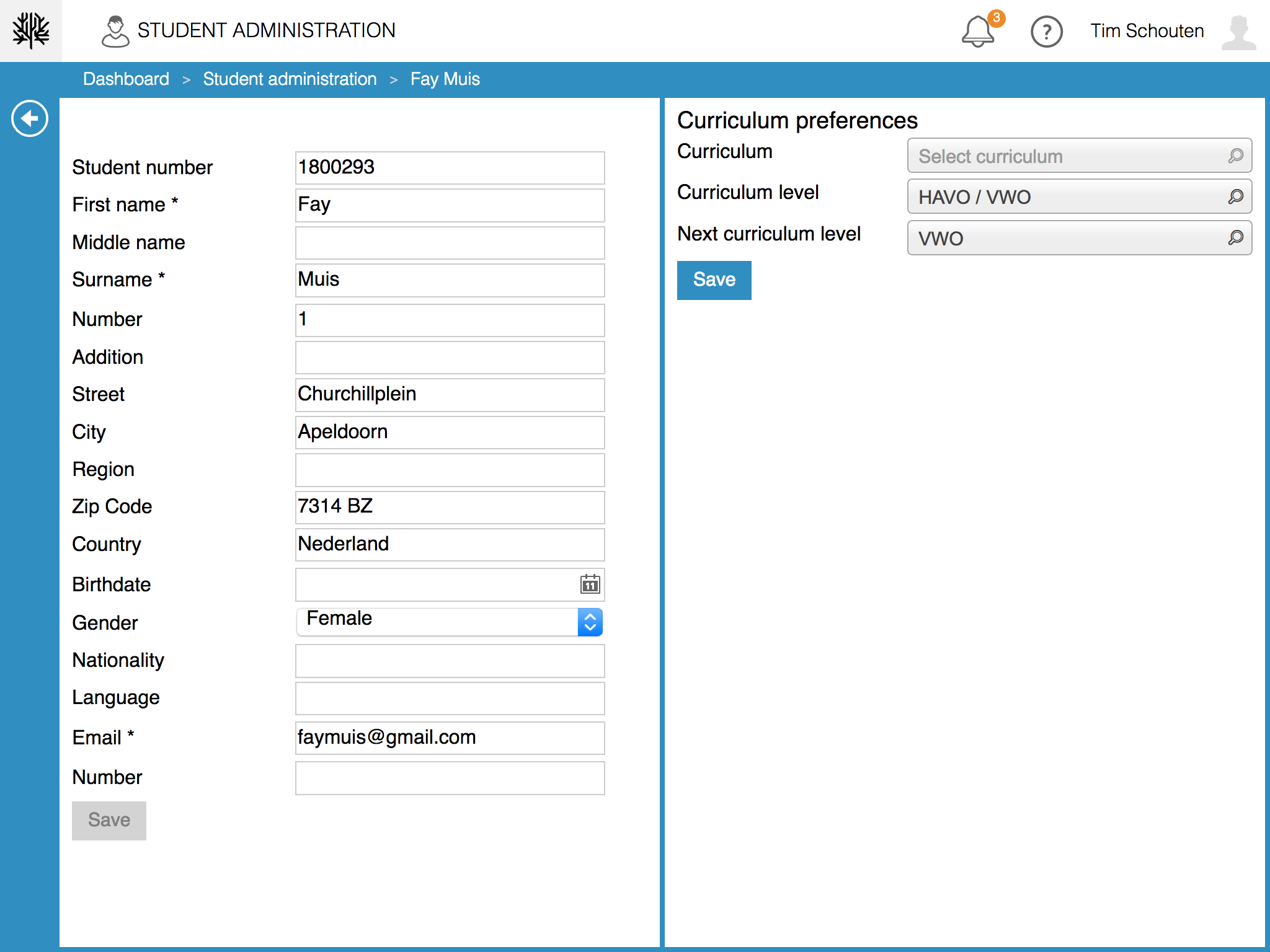
The following fields are mandatory: First name, Surname, Number, Street, Zip Code, Country, Nationality, Email and Phone Number. The student number-field is also mandatory but is automatically filled by the system in case it is not filled in.
Newly created students will automatically have the role "student" assigned.
Editing a student
- Click the student's name in the column on the right side of the screen, a form containing the student's details will be shown;
- Update the details accordingly and click 'Save' when done.
Searching for students
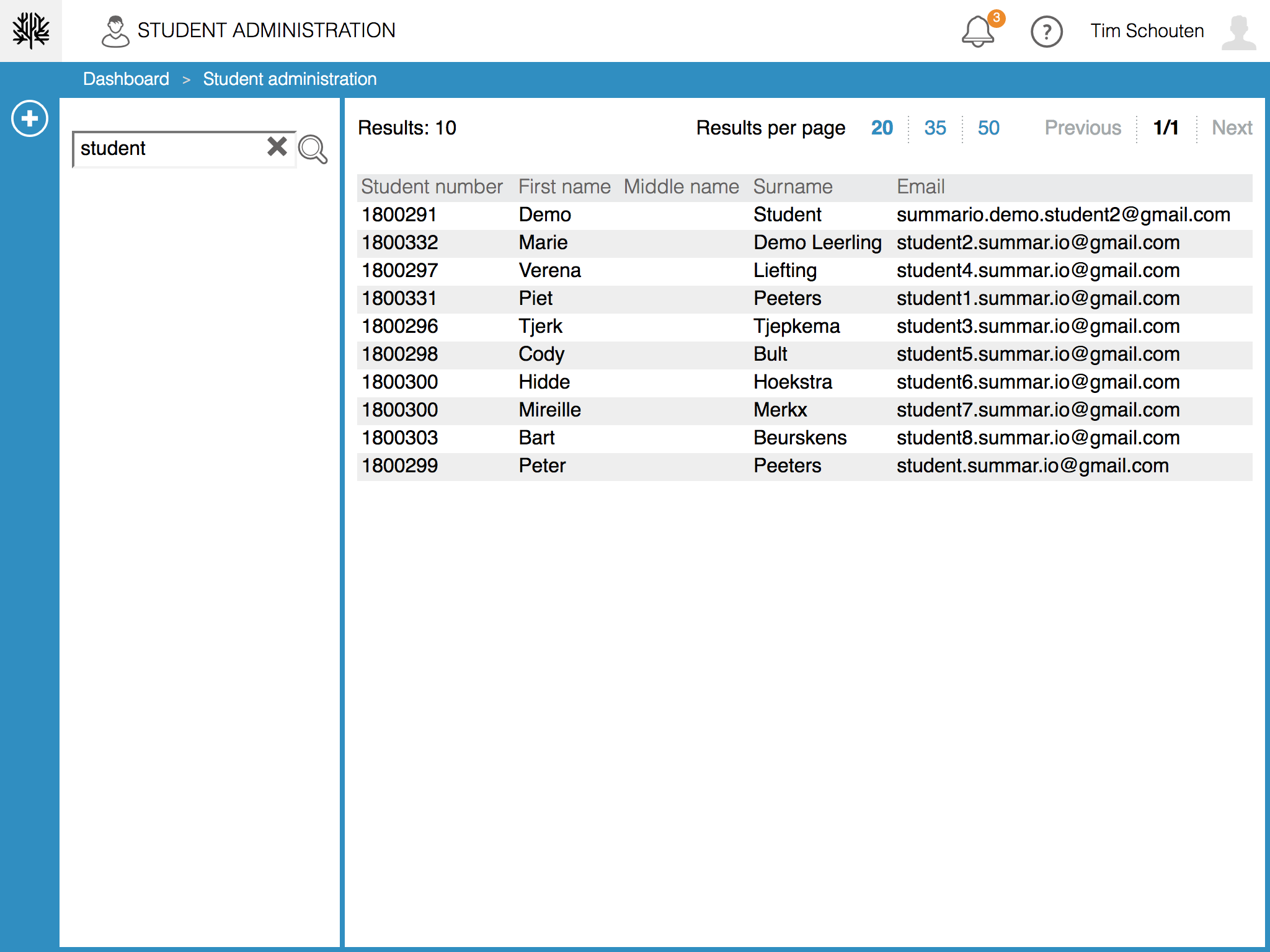
Enter a search term in the top left input field and click the magnifying glass icon to search for a student. Clicking on any student from the list will allow you to see (or edit) their details.
Related Articles
User administration
User administration app Within Summar.io a u ser can have several Roles and each role will provide access to certain apps. Besides the different roles the u ser has one or more e-mail addresses which can be used to log in. To administer all the user ...Other Administration apps
Cache control The Cache control-app manages 2 types of cache within Summar.io, the cache from the modules and learningobjects being used and the cache from the data that is being used in the Insight-app. With the 3 buttons you can start 3 different ...Staff administration
Staff administration app The Staff administration app is used to manage users assigned to the Teacher role. It provides an overview of current staff members as well as the option to add new, or update current staff members. Adding staff members Click ...Curriculum administration
The Curriculum administration-app The Curriculum administration-app is used to manage the curricula from the Catalog and make them available for the courses in Summar.io. It is also possible to switch learning lines and content providers on and off. ...School administration
School administration app The school administration app manages the basic data of a school and therefore only users with the administrator role are allowed to use this app. In this app you can manage the school details and the school periods. School ...