Learning objects
A LearningObject is "a collection of content items, practice items, and assessment items that are combined based on a single learning objective". Within Summar.io they are designed to be the basic unit of learning material that can be used in learning, instruction or other learning-activities. A LearningObject can consist of a number of different types of media: texts, assignments, instructions, movies and/or animations.
A LearningObject can be represented by Summar.io using different icons or illustrations. The following list explains the various representations that are used in Summar.io:
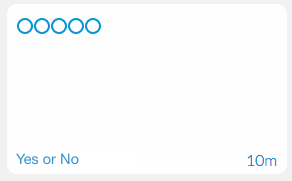 | This is a LearningObject that has not been
accessed by a student. |
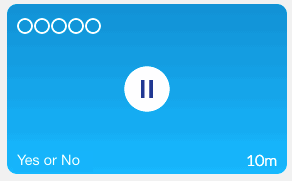 | This is a LearningObject that was already accessed and worked on by a student, but was not handed-in yet. |
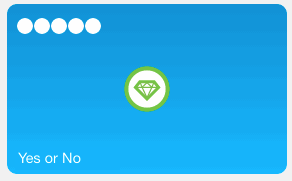 | This is a LearningObject that is completed by a student and which yielded a 100% score. |
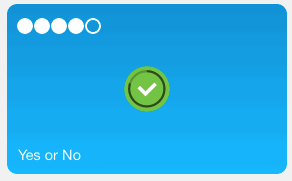 | This is a LearningObject that is completed by a student and which yielded a score of 80%. |
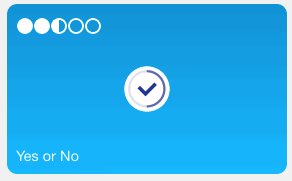 | This is a LearningObject that is completed by a student and which yielded a score of 50%, which is unsatisfactory. |
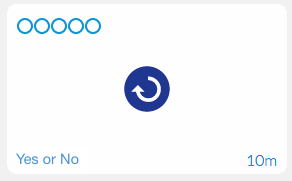 | This is a LearningObject that is completed by a student, but the teacher has decided that the student must do the LearningObject once more. |
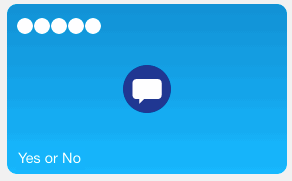 | This is a LearningObject that is completed by a student and the teacher has scored it and has given feedback on the work. This LearningObject does not need to be done over by the student. |
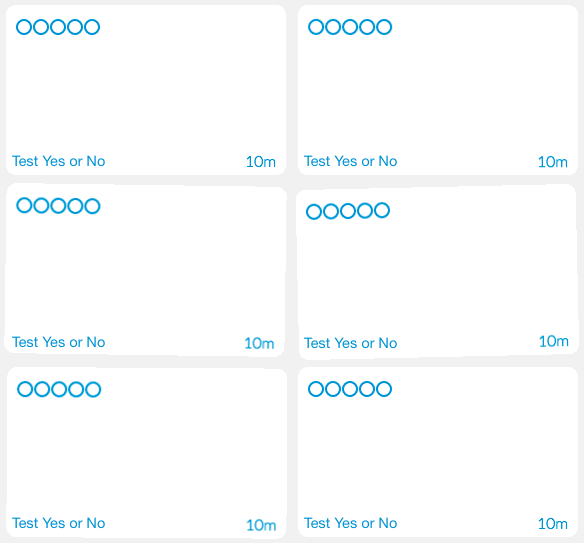 | This LearningObject is an assessment, for the student is ready to make given his achievements and activities. An assessment can be made if a student has mastered sufficient LearninObjects that lead to this assessment. |
Related Articles
Learning environment
Learning environment Login This app is the place from which the students work. To get here, the student first has to log in. This can be done in 3 ways: Using a Summar.io local account with an e-mail address and a password; With a Google+ account; ...Provide student id while opening learning material
It is possible to include a student id placeholder in learning material links that refer to an external source. Summar.io then ensures that this placeholder is replaced by the actual student identifier and included in the URL when a student opens ...Recommendation
Recommendation app As a teacher you can create recommendations in Summar.io. Recommendations can be used to optimise the learning lines of individual students by issuing extra homework, or specific remedial material to help a student with a ...Retrieve Summar.io-data for learning analytics
Summar.io offers the possibility to use data from the system for analysis purposes. This data is automatically generated every night and currently consists of 2 CSV files, units.csv for module oriented information and objectives.csv for learning ...Timeline
Timeline app The Timeline app allows Teachers and Mentors to view and analyse the learning activities that were done by a student in the context of a course. Overview 1. Selection panel In this section the teacher determines for which group or ...